Загрузка...
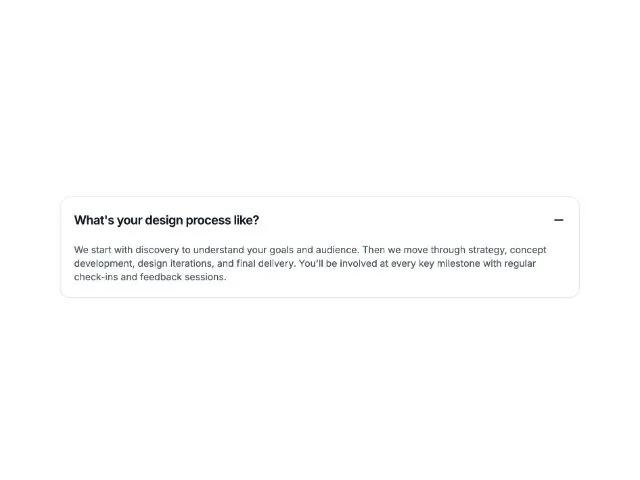
Интерактивный элемент аккордеона для FAQ. Раскрывает и скрывает ответы, организует частые вопросы. Адаптивный дизайн.
<div class="accordion-item-container max-w-3xl">
  <style>@import url('https://fonts.googleapis.com/css2?family=Inter:wght@400;600&display=swap');</style>
  <div class="bg-white border border-gray-200 rounded-2xl shadow-sm" data-accordion-item="" data-open="true">
    <button type="button" class="w-full flex items-center justify-between gap-4 p-5 text-left hover:bg-gray-50 transition-colors duration-200" aria-expanded="true" onclick="toggleAccordion(this)">
      <span class="text-base sm:text-lg font-semibold tracking-tight text-gray-900" style="font-family: 'Inter', 'Helvetica Neue', sans-serif;">What's your design process like?</span>
      <span class="shrink-0">
        <svg xmlns="http://www.w3.org/2000/svg" width="24" height="24" viewBox="0 0 24 24" fill="none" stroke="currentColor" stroke-width="2" stroke-linecap="round" stroke-linejoin="round" class="lucide lucide-plus w-5 h-5 stroke-1.5 plus-icon hidden">
          <path d="M5 12h14"></path>
          <path d="M12 5v14"></path>
        </svg>
        <svg xmlns="http://www.w3.org/2000/svg" width="24" height="24" viewBox="0 0 24 24" fill="none" stroke="currentColor" stroke-width="2" stroke-linecap="round" stroke-linejoin="round" class="lucide lucide-minus w-5 h-5 stroke-1.5 minus-icon">
          <path d="M5 12h14"></path>
        </svg>
      </span>
    </button>
    <div class="text-sm text-gray-600 px-5 pb-5 accordion-content" style="font-family: 'Inter', 'Helvetica Neue', sans-serif;">
      We start with discovery to understand your goals and audience. Then we move through strategy, concept development, design iterations, and final delivery. You'll be involved at every key milestone with regular check-ins and feedback sessions.
    </div>
  </div>
  <script>
    function toggleAccordion(button) { const item = button.closest('[data-accordion-item]'); const content = item.querySelector('.accordion-content'); const plusIcon = button.querySelector('.plus-icon'); const minusIcon = button.querySelector('.minus-icon'); const isOpen = button.getAttribute('aria-expanded') === 'true'; if (isOpen) { button.setAttribute('aria-expanded', 'false'); content.style.display = 'none'; plusIcon.classList.remove('hidden'); minusIcon.classList.add('hidden'); item.setAttribute('data-open', 'false'); } else { button.setAttribute('aria-expanded', 'true'); content.style.display = 'block'; plusIcon.classList.add('hidden'); minusIcon.classList.remove('hidden'); item.setAttribute('data-open', 'true'); } }
  </script>
</div>