Загрузка...
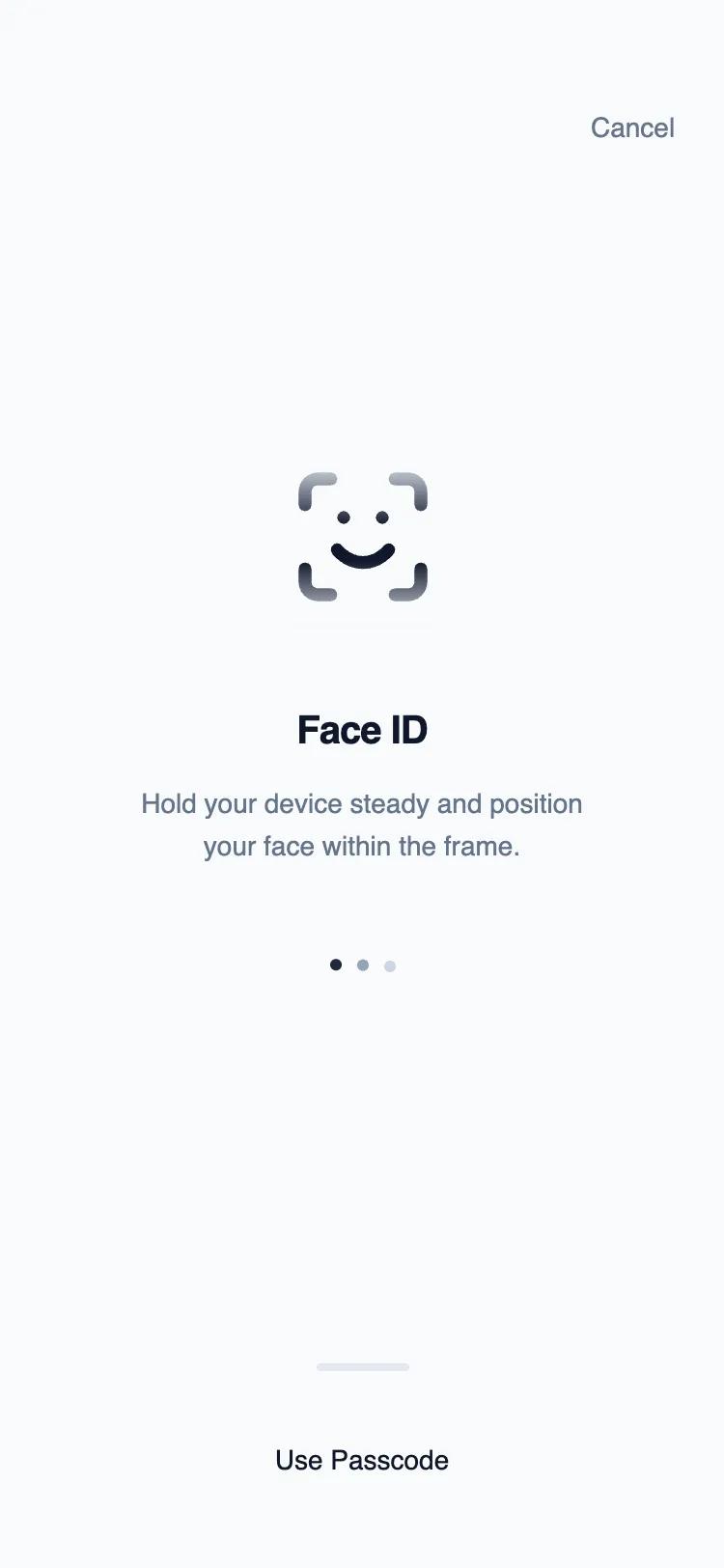
Центрированный UI-компонент для биометрической аутентификации в мобильных приложениях. Минималистичный дизайн, фокус на системе, без кнопок.
# Biometric Authentication

Here is a reference implementation:

~~~html
<!DOCTYPE html>
<html lang="en">
<head>
    <meta charset="UTF-8">
    <meta name="viewport" content="width=device-width, initial-scale=1.0">
    <title>Biometric Auth Wireframe</title>
    <script src="https://cdn.tailwindcss.com"></script>
    <script src="https://code.iconify.design/iconify-icon/1.0.7/iconify-icon.min.js"></script>
    <link href="https://fonts.googleapis.com/css2?family=Inter:wght@300;400;500;600&display=swap" rel="stylesheet">
    <style>
        body {
            font-family: 'Inter', sans-serif;
        }

        /* Wireframe scan animation */
        @keyframes scan {
            0% {
                top: 0%;
                opacity: 0;
            }
            10% {
                opacity: 1;
            }
            90% {
                opacity: 1;
            }
            100% {
                top: 100%;
                opacity: 0;
            }
        }

        .scan-line {
            position: absolute;
            left: 0;
            width: 100%;
            height: 2px;
            background: #171717;
            box-shadow: 0 0 4px rgba(0,0,0,0.3);
            animation: scan 2s cubic-bezier(0.4, 0, 0.2, 1) infinite;
        }

        .scan-overlay {
            mask-image: linear-gradient(to bottom, transparent, black 40%, black 60%, transparent);
            -webkit-mask-image: linear-gradient(to bottom, transparent, black 40%, black 60%, transparent);
        }
    </style>
</head>
<body>
    <div class="w-full h-screen bg-gray-50 flex flex-col text-slate-900 overflow-hidden relative">

        <!-- Header: Optional Cancel Action -->
        <header class="shrink-0 pt-14 px-6 flex justify-end">
            <button id="cancel-auth-btn" class="text-sm font-medium text-slate-500 hover:text-slate-900 transition-colors">
                Cancel
            </button>
        </header>

        <!-- Main: Centered Content -->
        <main class="flex-1 flex flex-col items-center justify-center w-full px-8 -mt-10">

            <!-- Icon Container -->
            <div class="relative mb-10 group">
                <!-- Static Background Icon -->
                <div class="relative z-10">
                    <iconify-icon icon="lucide:scan-face" width="80" height="80" class="text-slate-200"></iconify-icon>
                </div>

                <!-- Animated Foreground Icon (Clipped) -->
                <div class="absolute inset-0 z-20 overflow-hidden scan-overlay">
                    <iconify-icon icon="lucide:scan-face" width="80" height="80" class="text-slate-900"></iconify-icon>
                    <div class="scan-line"></div>
                </div>

                <!-- Ripple/Focus indicators (Wireframe style) -->
                <div class="absolute inset-0 -m-4 border border-dashed border-slate-300 rounded-full opacity-0 scale-90 animate-[ping_2s_cubic-bezier(0,0,0.2,1)_infinite]"></div>
            </div>

            <!-- Status Text -->
            <div class="text-center space-y-3">
                <h1 class="text-xl font-semibold tracking-tight text-slate-900">
                    Face ID
                </h1>
                <p class="text-sm text-slate-500 max-w-[240px] leading-relaxed">
                    Hold your device steady and position your face within the frame.
                </p>
            </div>

            <!-- Visual Indicator of System Process -->
            <div class="mt-12 flex gap-2">
                <div class="w-1.5 h-1.5 rounded-full bg-slate-800 animate-bounce"></div>
                <div class="w-1.5 h-1.5 rounded-full bg-slate-400 animate-bounce [animation-delay:0.15s]"></div>
                <div class="w-1.5 h-1.5 rounded-full bg-slate-300 animate-bounce [animation-delay:0.3s]"></div>
            </div>

        </main>

        <!-- Footer: Fallback Action -->
        <footer class="shrink-0 pb-[34px] px-6 w-full">
            <div class="flex flex-col items-center space-y-6">
                <!-- Divider line for wireframe structure -->
                <div class="w-12 h-1 bg-slate-200 rounded-full"></div>

                <button id="use-passcode-btn" class="text-sm font-medium text-slate-900 hover:text-slate-600 transition-colors py-3 px-6 rounded-lg active:bg-slate-100">
                    Use Passcode
                </button>
            </div>
        </footer>

    </div>
</body>
</html>
~~~